What is glb to obj online, and what changes?
If you are asking what is glb to obj online, it means converting a GLB 3D asset into OBJ geometry through a browser-based service. The result may look similar, but OBJ cannot carry every feature stored in the original GLB.
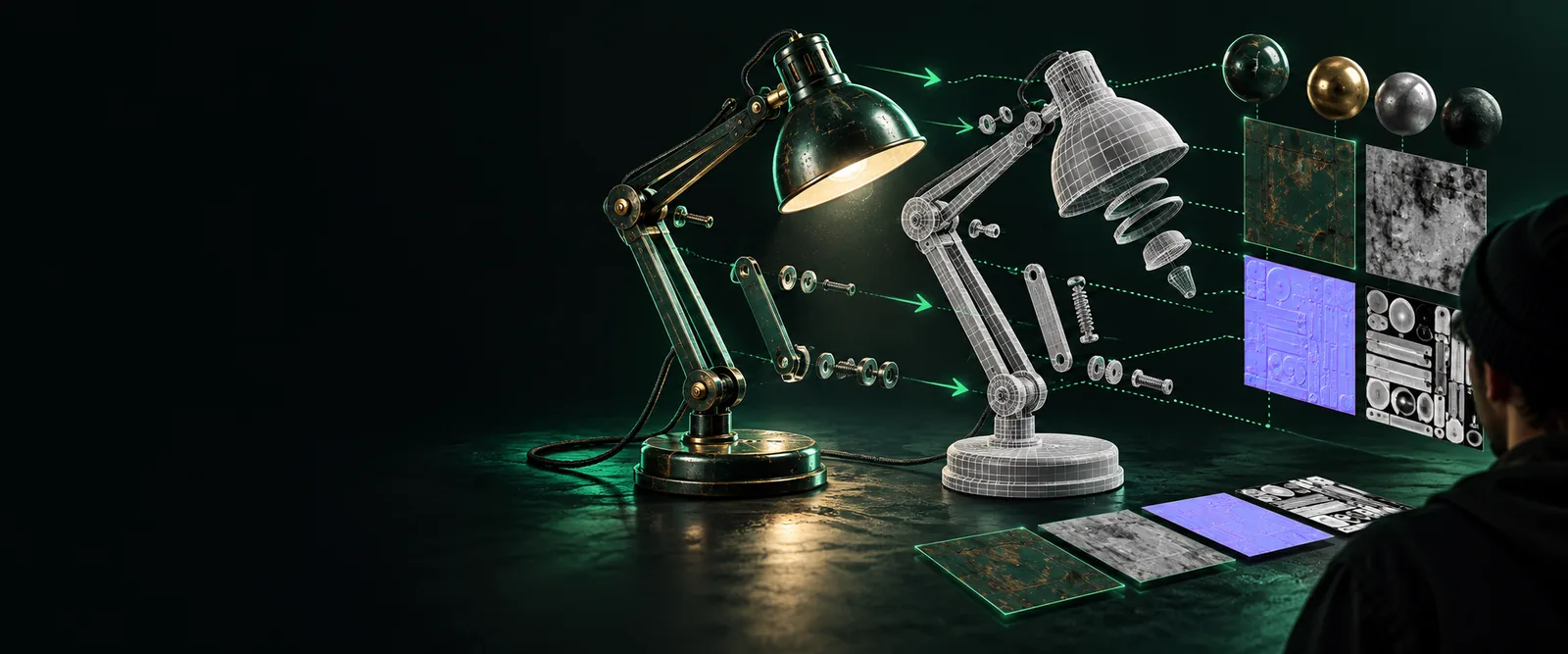
How it works
A GLB-to-OBJ workflow reads the source model, writes its mesh in a different format, and then checks what survived the transfer.
-
1
Read the GLB asset
A GLB is a compact binary container for a glTF scene. It can package mesh data, materials, textures, and other scene information in one file. Before converting, inspect the source if you can: a single visible object may contain several meshes, and its appearance may depend on embedded images rather than geometry alone.
-
2
Write OBJ geometry
The conversion process extracts mesh positions, faces, and, when available, UV coordinates and normals. It writes these into an OBJ file. Materials typically need a separate MTL file, while texture images need their own files and valid references. An OBJ by itself is not a complete replacement for every GLB.
-
3
Open and verify the result
Import the exported OBJ into the destination application and compare it with the GLB. Check orientation, scale, mesh count, shading, and texture placement. If materials are absent, look for a companion MTL file and image files before assuming the geometry conversion failed. Keep the original GLB for reference.
What it can and cannot do
GLB to OBJ is useful for moving static mesh geometry, but the formats do not describe the same range of 3D features.
-
It cannot preserve animation as OBJ
OBJ describes polygonal geometry, not a GLB's animation tracks, skinning, or moving scene hierarchy. A character can arrive as a static mesh even when the source contains a rig and motion.
WorkaroundKeep the GLB when you need movement, or choose a destination format and workflow that support the animation data you need.
-
It cannot guarantee identical materials
GLB commonly uses physically based material properties. The older OBJ and MTL pairing represents a narrower set of material information, so metallic surfaces, transparency, or lighting responses may change. Texture images may also be exported separately.
WorkaroundCollect the MTL and image files, reconnect them in the destination application, and compare the result against the source.
-
It cannot repair a flawed mesh
Changing a file format does not automatically close holes, remove intersecting faces, or make a model suitable for printing. An OBJ may contain the same geometric defects as its GLB source.
WorkaroundInspect and repair the mesh in a 3D editor before relying on it for fabrication or further modeling.
-
It cannot promise identical imports everywhere
Applications may interpret axes, scale, normals, and material paths differently. A successful export is therefore only the first check, not proof that the model is ready for every destination.
WorkaroundTest the OBJ in the application where it will actually be used and retain the source file for comparison.
Who uses it
Choose the format for the next task
Modelers may use GLB to OBJ when an editing application accepts OBJ meshes more readily than GLB scenes. Asset reviewers may use it to inspect geometry apart from a scene's animation and materials. Makers sometimes request OBJ as an intermediate mesh, but they still need to check whether it is watertight before printing. For a new 3D scene rather than a format transfer, Glbtoobj can take you to the connected scene workspace; do not assume that workspace converts an uploaded GLB to OBJ.
Explore 3D scenes- Match the output format to the destination application
- Check companion material and texture files
- Keep the original GLB for features OBJ cannot store
Frequently asked questions
It describes using a browser-based service to turn a GLB model into OBJ mesh data. The word online describes where the conversion is performed, not a special type of OBJ file. Check the service's file-handling terms before uploading a private asset.
Not necessarily. Mesh geometry can transfer, but differences in materials, lighting, normals, or texture references can change its appearance. Compare both files in a viewer or editor before using the result.
Textures may be written as separate image files and referenced through an MTL file. An OBJ file alone usually does not contain the complete textured appearance of a GLB. Keep any accompanying files together and check their paths after import.
No. OBJ is a static mesh format and does not store the animation tracks or rigging found in some GLB assets. If those features matter, retain the GLB or use an animation-capable workflow.
Conversion alone does not make a mesh printable. Check that it is watertight, has the intended dimensions, and meets the requirements of your slicer or print service. Repair any geometry problems before preparing a print.